Why Sniply Links Break on 35% of Websites (And How to Fix It)
Sites block iframes with X-Frame-Options and CSP headers. That is why your Sniply CTA disappears on many pages. Here is the technical explanation and a fix.
Related reading
How to Create Shortlinks from Claude, ChatGPT, and Cursor with Visib's MCP Server
Visib now ships an MCP server. Connect Claude Desktop, Claude Code, ChatGPT, or Cursor and create branded shortlinks with a CTA overlay without ever opening the dashboard.
How to Use the Visib Chrome Extension: Pixel-Perfect Snapshots in 60 Seconds
The Visib Chrome extension captures any page — even ones that block iframes. Install it, click once on any tab, and your CTA overlay works on every site including LinkedIn, Medium, and news sites.
Branded Short Links: The Complete Guide for Marketers (2026)
What are branded short links, why they outperform generic shorteners, and how to set them up with a custom domain. Complete guide with examples.
You share an article on LinkedIn using your Sniply link. You expect your “subscribe to my newsletter” button to appear on top of the page. Your reader clicks the link and sees either a blank frame, the article without any overlay, or nothing at all. No error, no explanation.
This is not a Sniply bug. It is a structural limitation of how Sniply works. And it affects roughly 35% of all websites, including the ones marketers share most: LinkedIn, Twitter, major news publications, Amazon, and most big-brand sites.
TL;DR
Sniply loads pages inside an iframe. Most high-traffic sites block iframes. When a site blocks iframes, your Sniply CTA disappears silently and your reader sees the page without your overlay. The only real fix is a tool that uses page snapshots instead of iframes.
How Sniply works: and where it breaks
When you create a Sniply link, the tool wraps the destination URL inside an iframe. An iframe is literally a “window into another website” embedded inside a page. When your reader opens your Sniply link, they are loading Sniply's page, which contains your CTA bar/button plus an iframe showing the destination site.
The problem: the destination site gets to decide whether it allows itself to be loaded inside an iframe. The major ones all say no.
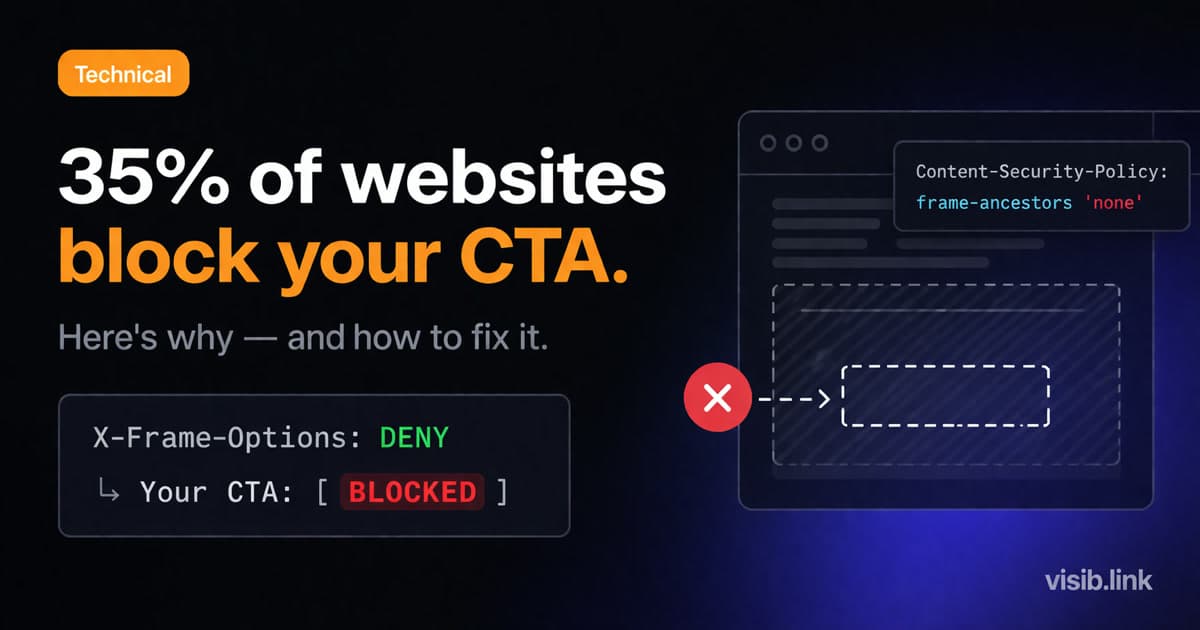
Website owners block iframe embedding to prevent “clickjacking” attacks. The mechanism is two HTTP response headers that the site sends with every page load:
- X-Frame-Options: DENY or SAMEORIGIN: tells the browser to refuse loading this page in any external iframe.
- Content-Security-Policy: frame-ancestors: a more flexible modern version that specifies exactly which domains (if any) can embed the page.
When the browser sees either header, it refuses to load the page inside the iframe. Sniply's overlay was meant to sit on top of content that never loaded. The result: your reader sees a blank or broken frame where the article should be, with your CTA either invisible or awkwardly floating over nothing.
Which sites block iframes? The ones you share most.
Roughly 35% of all websites block iframe embedding. For the top 1,000 most visited sites, the number is closer to 67%. Here is a sample of sites that block iframes and therefore break Sniply:
- LinkedIn: blocks all external iframes. Any article from linkedin.com fails.
- Twitter / X: same. No external embedding allowed.
- The New York Times, Washington Post, BBC: major news publishers almost universally block iframes.
- Amazon: blocks embedding. If you share a product page with a Sniply CTA, it breaks.
- Google Docs and Sheets: blocked.
- Most SaaS product pages: Notion, Figma, HubSpot, Salesforce. All block external iframes.
- Most e-commerce sites: Shopify stores and major retailers block embedding as a security measure.
The sites that tend to work fine: smaller blogs, personal websites, niche content sites, Medium (as of early 2026), Substack posts. These are useful, but they are not the high-authority sites marketers most want to share.
The worst part: it fails silently
When a Sniply link breaks on an iframe-blocking site, there is no notification in your Sniply dashboard. No “warning: this link is blocked.” No failed click alert. The link appears to work and your click count registers, but your reader just did not see your CTA.
You can go weeks sharing links to LinkedIn articles, thinking your newsletter subscribe button is appearing for every reader, while actually no one has seen it. The only way to know is to open the link yourself and check.
G2 reviewers have flagged this repeatedly. “Some sites block the tool, links just don't work.” Sniply's official position has generally been that they cannot control how third-party sites handle embedding. Which is true, but also not a solution.
How to check if a site will break your Sniply link
You can check programmatically whether a site blocks iframes with a simple fetch request:
const res = await fetch(url, { method: 'HEAD' });
const xfo = (res.headers.get('x-frame-options') || '').toLowerCase();
const csp = (res.headers.get('content-security-policy') || '').toLowerCase();
const blocked = xfo === 'deny' || xfo === 'sameorigin'
  || csp.includes('frame-ancestors');
If blocked is true, any iframe-based CTA tool will fail on that URL. There is no workaround within Sniply, Replug, or any other tool that relies on iframes. The problem is on the destination site's side and cannot be overridden.
You can also check manually: open your Sniply link in an incognito window and see whether the article content loads inside the CTA bar. If the content area is blank or shows an error, the site blocks iframes.
The snapshot solution: how to get 100% site coverage
The iframe approach fails because you are trying to load someone else's live website inside your frame, and they get to say no. The snapshot approach sidesteps this entirely: instead of loading the live site, you capture a complete static copy of the page and host it yourself.
A page snapshot is a single HTML file with all CSS, images, and fonts embedded inline. It looks identical to the original page. When your reader opens your link, they see the snapshot (hosted on your server, not the original site) with your CTA overlay on top. No iframe. No permission needed from the destination site.
This is how Visib handles it. The Chrome Extension captures a pixel-perfect snapshot of any page before you create your CTA link. The snapshot gets served with your overlay on top, and your CTA works on 100% of websites: LinkedIn articles, paywalled news pages, Amazon listings, SaaS product pages, anything.
The one caveat worth knowing: snapshots are static. If the destination article gets updated after you create the link, your readers see the version from when you captured it. For most shared content like articles, product pages, and announcements, this is a non-issue. The article you shared a week ago looks the same as it did when you shared it. For rapidly changing pages like live event feeds, it matters more.
Iframe vs. snapshot at a glance
Iframe (Sniply, Replug, most tools): Works on ~65% of sites. Fails silently on iframe-blocking sites. No setup required.
Snapshot (Visib): Works on 100% of sites. Requires Chrome Extension to capture the page. Static copy.
Does Sniply have a fix for this?
As of early 2026, no. Sniply's architecture is iframe-based and there is no snapshot option. The platform added a detection message for some blocked sites after user complaints, but there is no fallback that actually shows your CTA.
If you are already paying $9-59/mo for Sniply and a large portion of the links you share are to iframe-blocking sites, your CTAs are not showing for those readers. There is no way to fix this within Sniply itself.
Quick recap
- Sniply loads destination pages in iframes to display CTA overlays
- 35% of all websites (67% of top 1,000 sites) block iframes using X-Frame-Options or CSP headers
- When a site blocks iframes, your Sniply CTA disappears silently, no error, no alert
- This affects LinkedIn, Twitter, Amazon, major news sites, and most SaaS product pages
- The fix is page snapshots: capture the page once, serve the static copy with your CTA
- Visib's Chrome Extension does this automatically, giving full coverage on every site
