Branded Short Links: The Complete Guide for Marketers (2026)
What are branded short links, why they outperform generic shorteners, and how to set them up with a custom domain. Complete guide with examples.
Related reading
How to Create Shortlinks from Claude, ChatGPT, and Cursor with Visib's MCP Server
Visib now ships an MCP server. Connect Claude Desktop, Claude Code, ChatGPT, or Cursor and create branded shortlinks with a CTA overlay without ever opening the dashboard.
How to Use the Visib Chrome Extension: Pixel-Perfect Snapshots in 60 Seconds
The Visib Chrome extension captures any page — even ones that block iframes. Install it, click once on any tab, and your CTA overlay works on every site including LinkedIn, Medium, and news sites.
How to Add a CTA to Any Link You Share (2026 Guide)
Step-by-step guide to adding a call-to-action overlay to any URL you share: articles, tools, products, or resources. Works on every website.
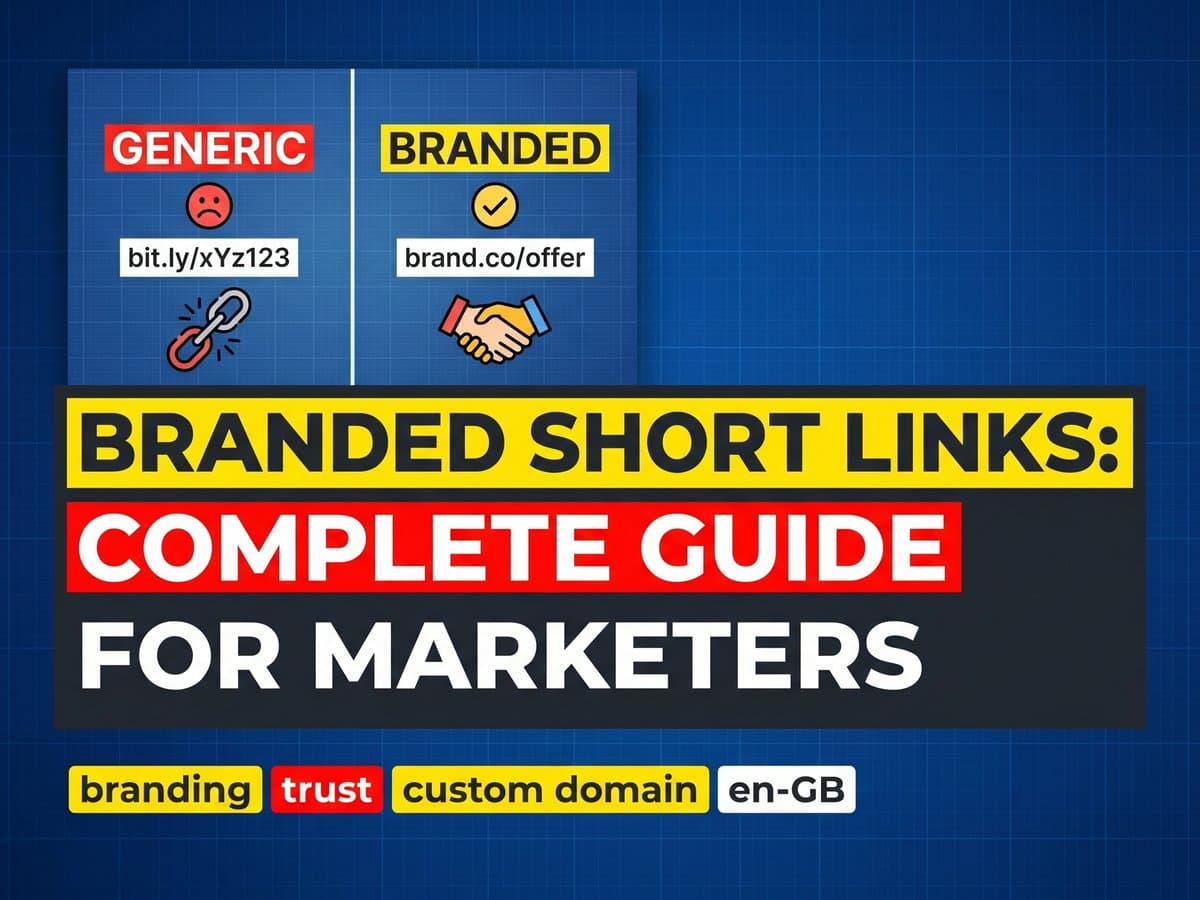
A branded short link is a shortened URL that uses your own domain instead of a third-party shortener's. Instead of bit.ly/3xK9mPq, your link looks like links.yourcompany.com/report-2026 or go.yourbrand.com/free-trial.
The difference sounds cosmetic. It is not. Branded short links consistently outperform generic shorteners on click-through rate, trust, and conversion. Readers know where they are going before they click.
This guide explains what branded short links are, why they work better, how to set them up, and what to do with them beyond basic shortening.
Why branded short links outperform generic ones
Trust at a glance
When a reader sees bit.ly/3xK9mPq, they have no idea where that link goes until they click it. For many people, especially in professional or security-conscious contexts, an opaque shortened URL is a signal to hesitate. What site is this? Is it safe?
When a reader sees links.yourbrand.com/free-trial, they know immediately: this is from a brand they recognize, going somewhere related to a free trial. No hesitation. Click.
This matters most in email marketing (where spam filters and reader skepticism are both high), in professional communities (LinkedIn, Slack), and in any context where your audience is clicking on behalf of a company rather than themselves.
Click-through rate
The trust effect translates directly to click-through rate. Branded links in email campaigns consistently outperform generic shorteners. The exact lift varies by industry and audience, but the direction is consistent: if your audience recognizes your domain, they click more readily.
Brand reinforcement
Every time a reader sees your branded link, whether in a social post, an email, or a document, they see your brand. A link is not just a technical mechanism. It is a brand touchpoint. A generic shortener wastes that touchpoint. A branded link uses it.
Analytics and attribution
With branded links, all your click data is in one place under your domain. You can see total link performance, filter by campaign, and correlate link clicks with conversions in your analytics platform. Generic shorteners give you aggregate data in their own dashboard, often limited and sometimes not exportable.
Setting up branded short links: the technical steps
Setting up branded short links requires a tool that supports custom domains and a domain you want to use. Here is how it works with Visib:
Step 1: Choose your domain
You have a few options:
- Subdomain of your main domain: links.yourcompany.com or go.yourcompany.com. Easy to set up, reinforces your main brand. Most common choice.
- Separate branded domain: A short version of your brand name if available (ybrand.co or similar). Works well if you share links in contexts where even the subdomain is too long.
- Campaign-specific domain: Less common, but some brands use a separate domain for a specific campaign or product launch. Creates a distinct identity for that campaign.
For most users, a subdomain of your main domain is the right choice. It is the easiest to set up (you already own the domain), and it reinforces the brand connection most clearly.
Step 2: Add the domain in Visib
In your Visib dashboard, go to Settings and add your custom domain. Visib will show you the CNAME record you need to add to your DNS.
Step 3: Update your DNS
Log into wherever you manage your domain: Cloudflare, Route53, Google Domains, Namecheap, GoDaddy. Add a CNAME record:
Type:  CNAME
Name:  links  (or go, or whatever subdomain you chose)
Value: cname.visib.link
TTL:   Auto (or 3600)
DNS changes typically propagate within a few minutes to a few hours, depending on your registrar.
Step 4: Verify and SSL
Back in the Visib dashboard, click verify. Once the DNS record is detected, SSL is provisioned automatically via Let's Encrypt. Your domain goes from HTTP to HTTPS without any extra steps. From this point, all links you create use your custom domain by default.
What to do with branded short links beyond shortening
A branded short link is useful on its own. But when you add CTA overlays, the same link does two jobs: it delivers your reader to the content they clicked, and it keeps your brand present while they read it.
This is the difference between a link shortener and a link marketing tool. A shortener is a URL redirect with analytics. A CTA-enabled branded link is a distribution channel.
CTAs on branded links
When you create a branded link in Visib, you can attach a CTA overlay. Your reader clicks links.yourbrand.com/article and lands on the article with your branded subscribe button or product CTA in the bottom corner. The link, the overlay, and the analytics are all under your domain. Nothing points to Visib from the reader's perspective.
Custom slugs for campaigns
Instead of auto-generated slugs (links.yourbrand.com/3xK9), create readable campaign slugs: links.yourbrand.com/black-friday, links.yourbrand.com/free-guide, links.yourbrand.com/demo. These are easier to share verbally (in podcasts, in videos), easier to remember, and look more intentional in print or OOH contexts.
UTM parameters built in
Every link you create can have UTM parameters added to the destination URL. Visib's UTM builder lets you set utm_source, utm_medium, and utm_campaign for each link. When traffic arrives at your destination, your analytics platform attributes it correctly. You know which campaign, which channel, and which specific link drove the visit.
Common use cases for branded short links
Email marketing
Every link in your email campaign should be a branded link. This improves deliverability (spam filters are more suspicious of generic shorteners than branded domains), improves click-through rate (reader recognizes your brand), and centralizes your click analytics.
Social media
Twitter, LinkedIn, and Instagram all display link domains in previews. A branded link makes your preview look professional. On platforms that truncate long URLs, a branded short link is cleaner than a raw long URL.
Printed materials
QR codes and print URLs still matter for events, packaging, and out-of-home advertising. A branded short link (links.yourbrand.com/offer) is memorable and professional in print. An auto-generated shortener link is not.
Partner and affiliate links
If you run an affiliate program, branded short links let your partners share links that still carry your domain. links.yourbrand.com/partner-name looks better than a raw affiliate tracking URL.
Branded links vs. full branded URLs
A question that comes up: if branded short links improve trust because readers see your domain, why not just share the full URL from your own domain instead?
Two reasons. First, you cannot add a CTA overlay to a raw URL. You need to route it through a tool that can add the overlay. Second, raw URLs from external sites (news articles, research papers, product pages) always include the destination site's domain, not yours. A branded short link wraps any external URL in your domain, regardless of where it goes.
For links to your own site, use the full URL. For links to external content, use a branded short link with a CTA overlay.
