How to Use the Visib Chrome Extension: Pixel-Perfect Snapshots in 60 Seconds
The Visib Chrome extension captures any page — even ones that block iframes. Install it, click once on any tab, and your CTA overlay works on every site including LinkedIn, Medium, and news sites.

Related reading
How to Create Shortlinks from Claude, ChatGPT, and Cursor with Visib's MCP Server
Visib now ships an MCP server. Connect Claude Desktop, Claude Code, ChatGPT, or Cursor and create branded shortlinks with a CTA overlay without ever opening the dashboard.
Branded Short Links: The Complete Guide for Marketers (2026)
What are branded short links, why they outperform generic shorteners, and how to set them up with a custom domain. Complete guide with examples.
How to Add a CTA to Any Link You Share (2026 Guide)
Step-by-step guide to adding a call-to-action overlay to any URL you share: articles, tools, products, or resources. Works on every website.
You paste a URL into Visib. The preview on the right shows a blank gray box. That's not a bug — it's the site blocking iframes. LinkedIn does it. Medium does it. Every major news site does it.
The fix is the Visib Chrome Extension. It captures a pixel-perfect snapshot of any page directly from your browser and creates your vlink in one click. Takes 60 seconds the first time. 10 seconds after that.
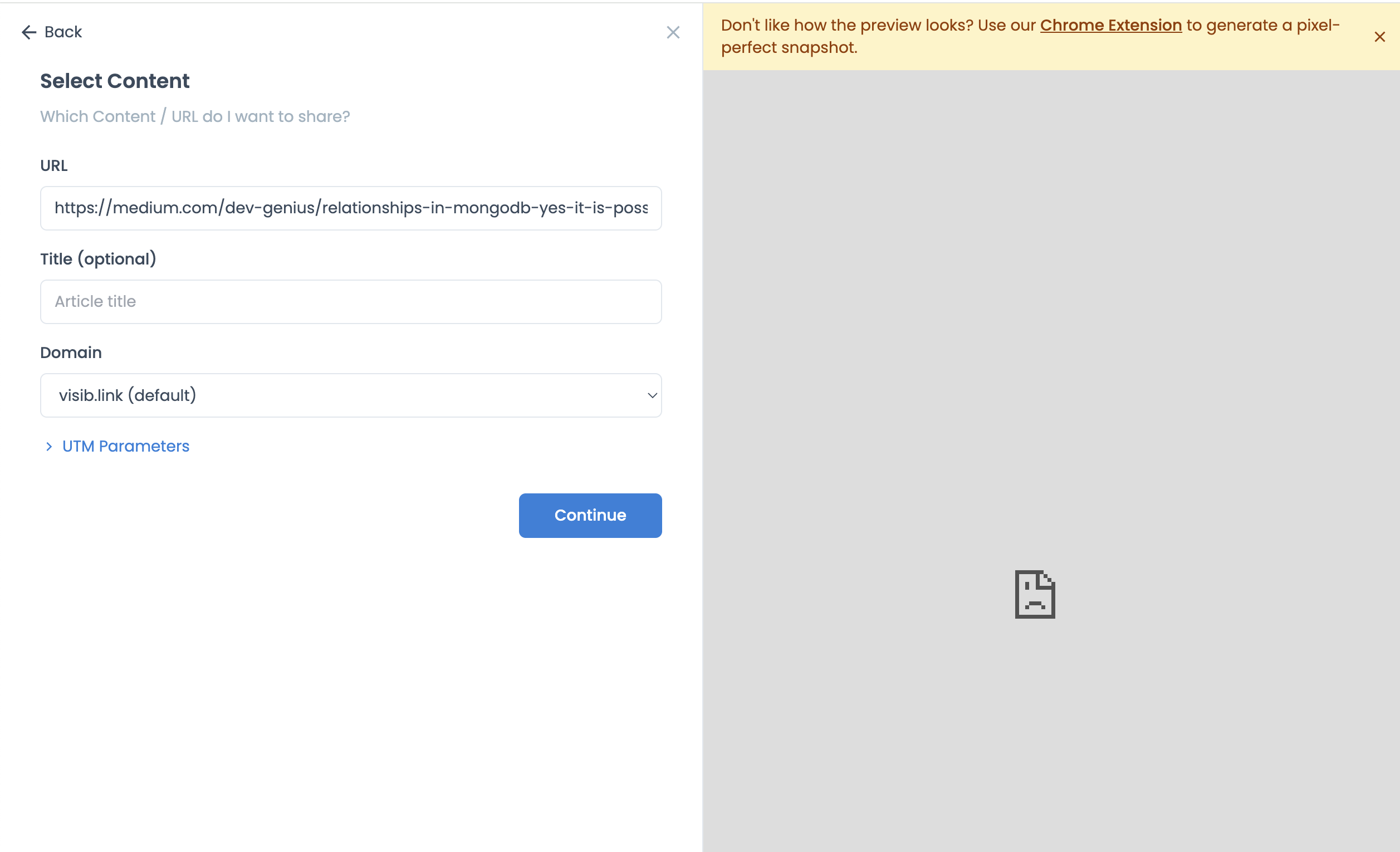
When the preview fails, Visib shows you that banner: “Don't like how the preview looks? Use our Chrome Extension to generate a pixel-perfect snapshot.” That's the door to 100% site coverage. Here's exactly how to use it.
What the extension actually does
Standard CTA overlay tools — Sniply, Replug, most others — use iframes. They load the original page inside a frame on your domain. The problem: most sites block this. The iframe loads blank. Your CTA disappears. You never know it happened.
The Visib Chrome Extension bypasses this entirely. Instead of loading the live page in a frame, it captures a complete static copy — HTML, CSS, images, fonts, all embedded in one file. This snapshot is hosted on your domain. When someone opens your link, they see the captured page with your CTA on top. No iframe. No blocking. Works on every site.
Redirect vs. Snapshot: when to use each
Redirect Link: Instant, no extension needed. The visitor sees the original live site in an iframe. Breaks silently on sites that block embedding.
Snapshot Link: Extension captures the page and serves a static copy from your domain. Works on 100% of sites. Requires a custom domain (Business plan).
Step 1: Install the extension
Install Visib Snapshot from the Chrome Web Store. It's free. Pin it to your Chrome toolbar so it's one click away on any page.
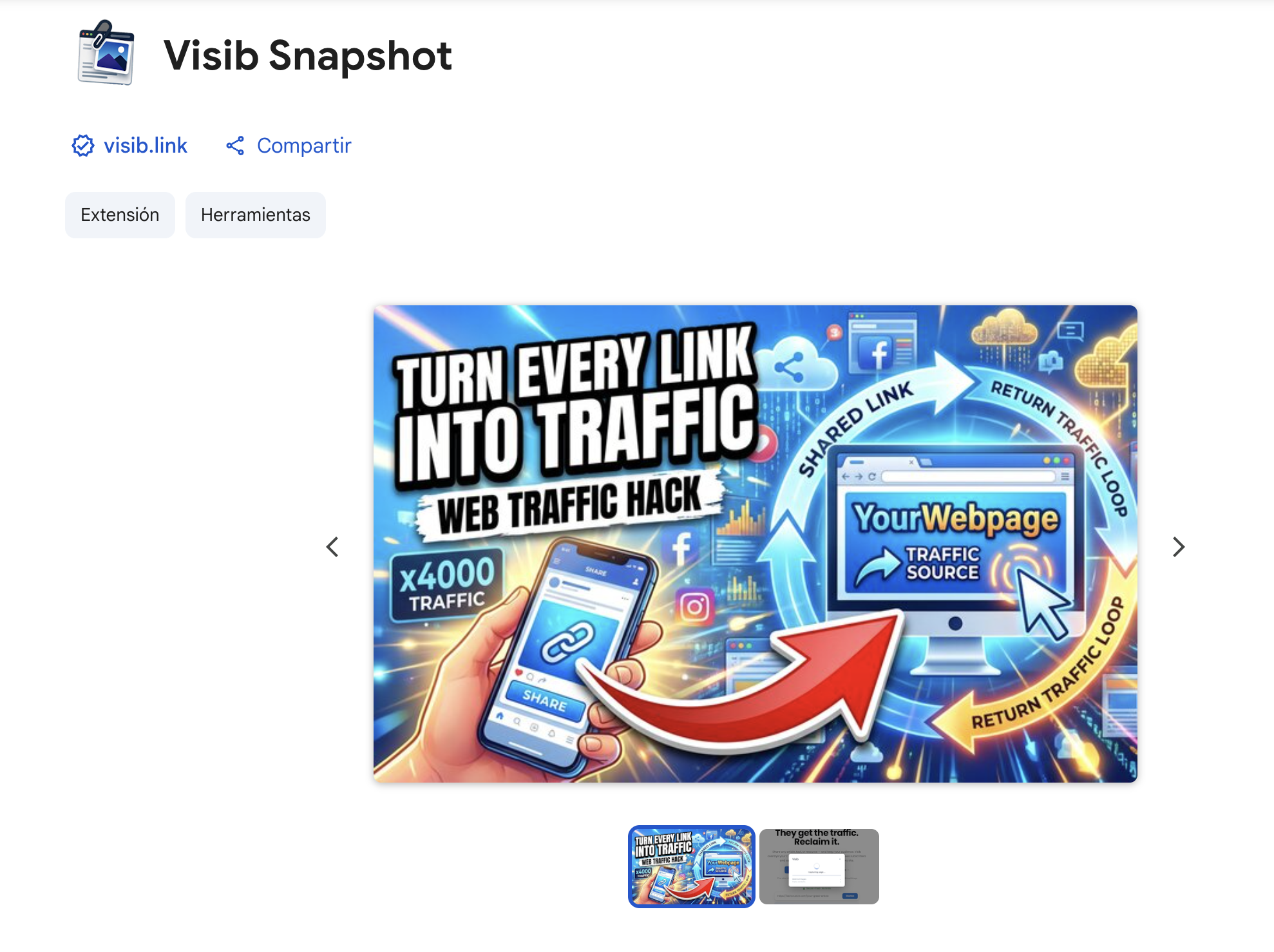
Step 2: Go to any page and click the extension
Navigate to the article, product page, or any URL you want to share. Click the Visib icon in your Chrome toolbar. A popup appears with two options.
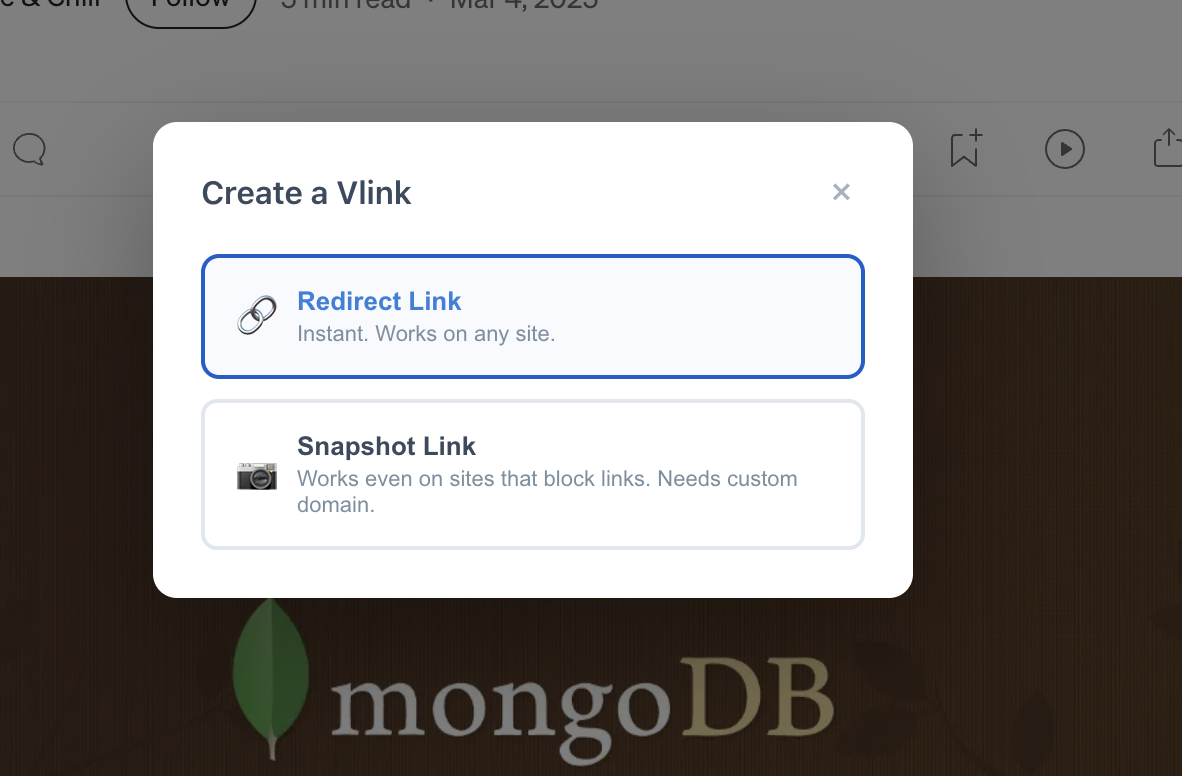
Choose Redirect Link for sites that allow embedding. Choose Snapshot Link for everything else — LinkedIn articles, Medium posts, news sites, anything that blocks iframes.
Step 3: Select your domain (Snapshot only)
Snapshot links serve from your custom domain. Pick the domain you want, then click Capture page.
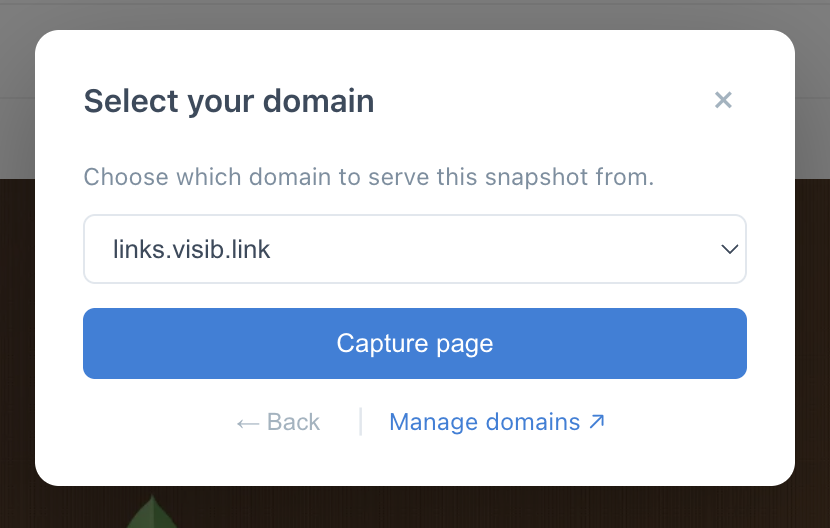
Step 4: Extension captures the page
The extension collects the full page — HTML, deferred images, embedded frames. Takes 5–15 seconds. Keep the tab open until you see “Page captured successfully!”
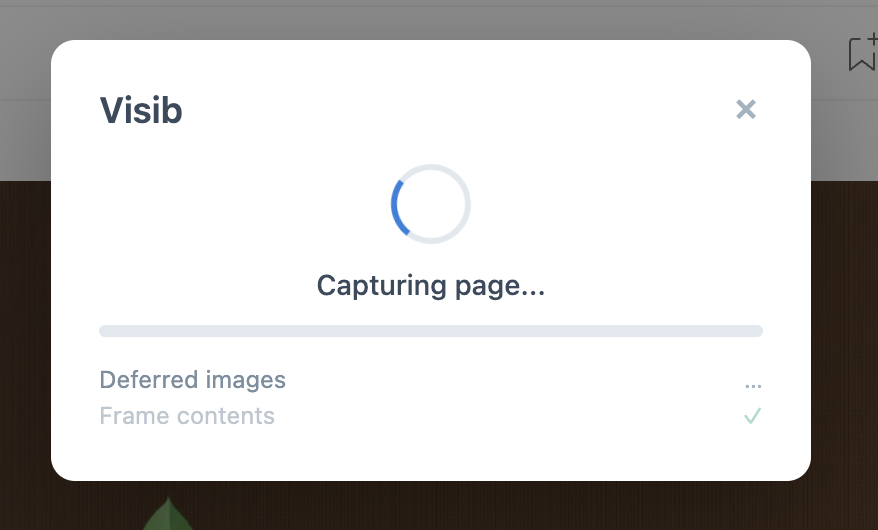
Step 5: Add your CTA and create the vlink
The Create Vlink form appears. Add an optional title, confirm the domain, and pick which CTA to attach. If you haven't created a CTA yet, click “+ Create new CTA on Visib” to open the dashboard. Hit Create Vlink — the short link copies to your clipboard automatically.
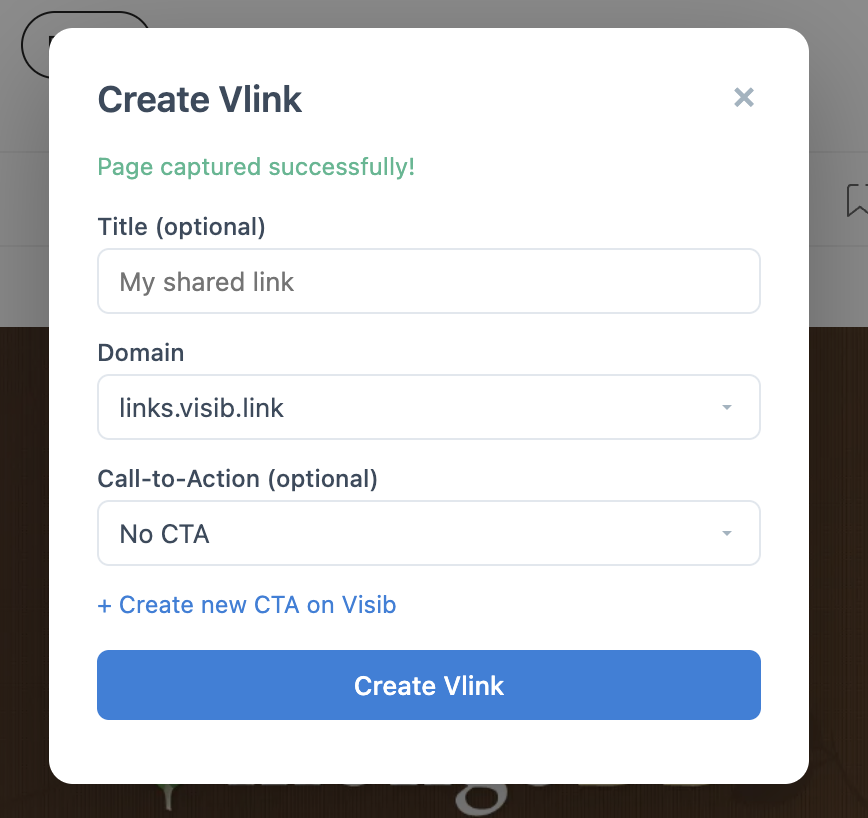
The result
Anyone who opens the link sees the full captured page with your CTA floating at the bottom. The page renders exactly as it looked when you captured it — no broken images, no missing content, no iframe errors.
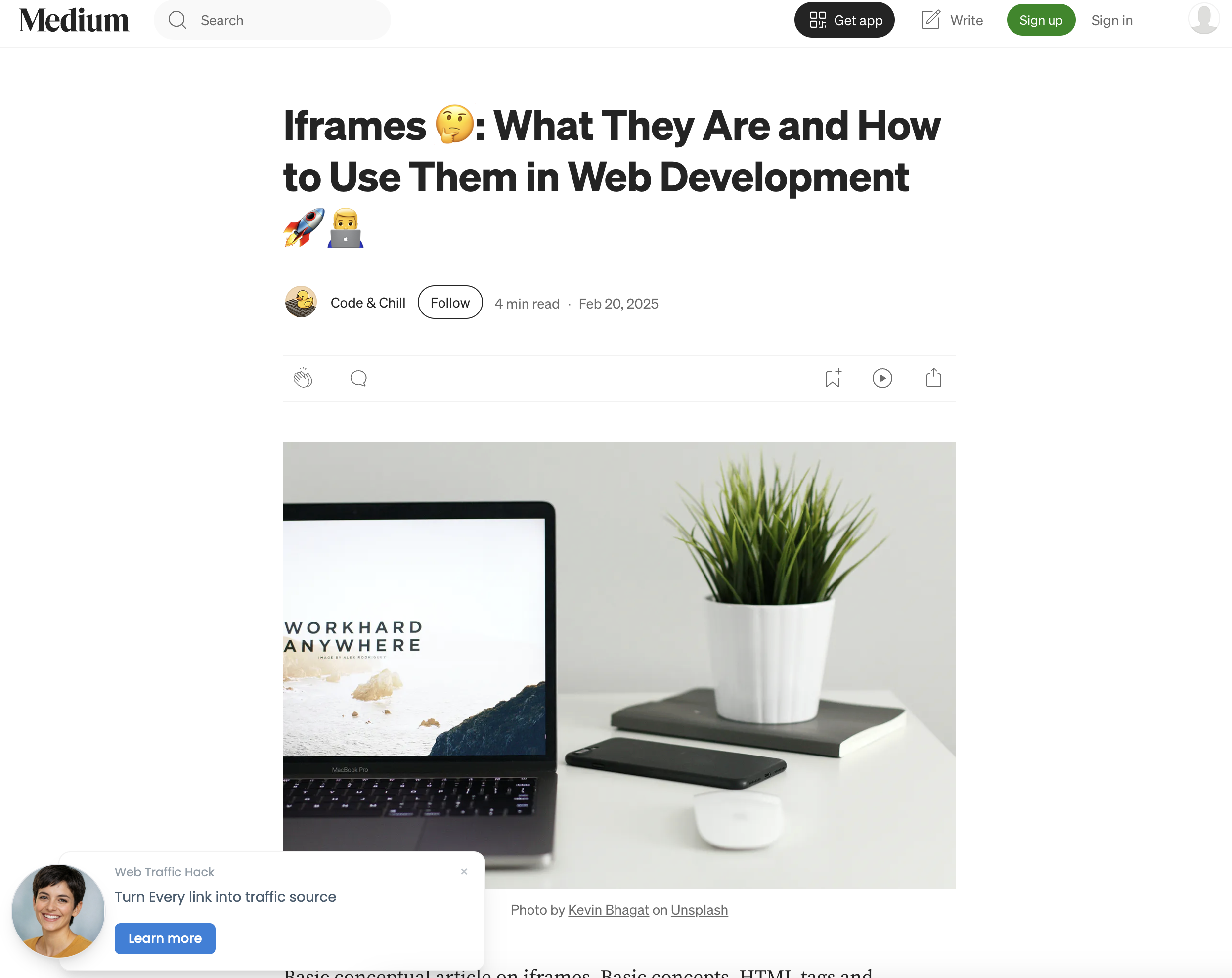
In this example, a Medium article about MongoDB is served from Visib with a custom CTA. The reader sees the full article. The CTA stays visible the entire time.
Who needs this
- Newsletter writers sharing third-party articles. Install once, create vlinks as you research. Every link keeps your subscribers in your world.
- Marketers sharing LinkedIn or Medium posts. Both block iframes. Without the extension, your CTA shows nothing. With it, full page plus full CTA.
- Agencies creating branded links for clients. Snapshot every page so the client's CTA always appears, regardless of the site.
- Content creators who curate links in social posts. One click per link while you browse. No dashboard visits needed.
Requirements
- Redirect links: any plan, extension optional (but faster with it).
- Snapshot links: require a custom domain, available on the Business plan. Your snapshot links then serve from your brand, not visib.link.
Install free. Upgrade when you need snapshots.
The extension is free. Create redirect vlinks on any plan. Upgrade to Business for snapshot links on iframe-blocking sites — 19 €/mo, no forced branding.
