How to Create Shortlinks from Claude, ChatGPT, and Cursor with Visib's MCP Server
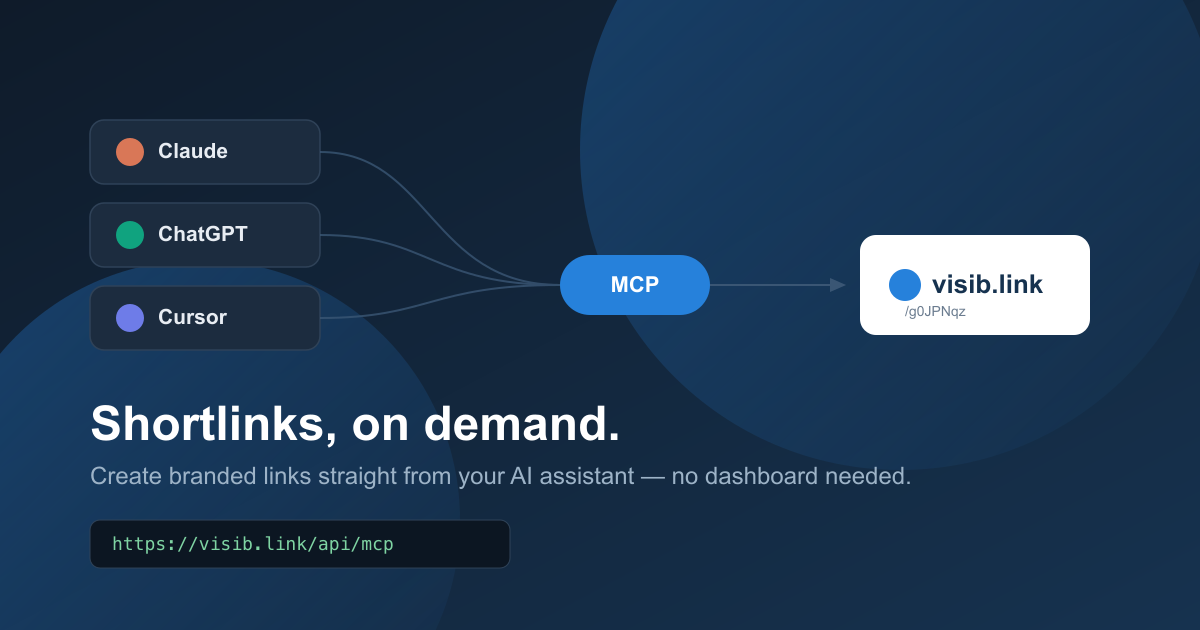
Visib now ships an MCP server. Connect Claude Desktop, Claude Code, ChatGPT, or Cursor and create branded shortlinks with a CTA overlay without ever opening the dashboard.

Related reading
How to Use the Visib Chrome Extension: Pixel-Perfect Snapshots in 60 Seconds
The Visib Chrome extension captures any page — even ones that block iframes. Install it, click once on any tab, and your CTA overlay works on every site including LinkedIn, Medium, and news sites.
Branded Short Links: The Complete Guide for Marketers (2026)
What are branded short links, why they outperform generic shorteners, and how to set them up with a custom domain. Complete guide with examples.
How to Add a CTA to Any Link You Share (2026 Guide)
Step-by-step guide to adding a call-to-action overlay to any URL you share: articles, tools, products, or resources. Works on every website.
You're in a chat with Claude, asking it to draft a newsletter, and you need a tracked link for the article you're linking to. Old workflow: alt-tab to Visib, paste the URL, pick a CTA, copy the short link, alt-tab back. New workflow: ask the assistant to make the link. It just does it.
That's what Visib's MCP (Model Context Protocol) server does. It's a remote connection any MCP-compatible client can add — Claude Desktop, Claude Code, Cursor, and (once ChatGPT's connector support catches up) ChatGPT — that exposes your Visib account as a set of tools the assistant can call directly.
What you actually get
No install, no local process. The server lives at visib.link/api/mcp and speaks Streamable HTTP, so connecting is just pasting a URL and a token into your client's config. Once connected, the assistant can:
| Tool | What it does |
|---|---|
create_shortlink | Shortens a URL, optionally with a custom slug, a CTA attached, and UTM params. |
list_shortlinks | Returns your most recent links with click counts. |
get_stats | Pulls clicks, CTA clicks, and conversions for a specific link. |
list_ctas | Lists your saved CTAs so the assistant can pick one to attach. |
Every call is scoped to your account. The assistant only ever sees and creates links that belong to you.
Step 1: Get your API token
Open Settings and scroll to API & MCP. You'll see the MCP endpoint and your personal API token, masked by default.
Click Show to reveal it, or just hit Copy config to grab the full connection snippet with the real token filled in — no need to reveal it on screen first. If you ever think it leaked, hit Regenerate: it invalidates the old token instantly and issues a new one.
Step 2: Add it to your client
Paste this into your client's MCP config, with your real token from the settings page:
{
  "mcpServers": {
    "visib": {
      "url": "https://visib.link/api/mcp",
      "headers": {
        "Authorization": "Bearer YOUR_API_TOKEN"
      }
    }
  }
}- Claude Desktop: Settings → Developer → Edit Config, paste the block above into
claude_desktop_config.json, restart the app. - Claude Code: add the same server via
claude mcp add, or drop it into your project's MCP config. - Cursor: paste the equivalent block into
.cursor/mcp.json.
Step 3: Use it
Once connected, just ask. No slash commands, no special syntax:
“Shorten https://example.com/our-launch-post and attach my ‘newsletter’ CTA to it.”
“What are the click stats on the link I made yesterday?”
“List my last 10 shortlinks.”
The assistant calls the right tool, Visib does the work, and you get a real visib.link short link back in the conversation — CTA overlay and all.
Frequently asked
Do I need to install anything?
No. It's a remote server over HTTPS. You paste a URL and a token — no npm install, no local process to keep running.
Is this free?
Yes, the MCP server itself is free on any plan. Custom slugs and custom domains still follow your existing plan limits.
Can I revoke access?
Yes. Hit Regenerate on the settings page and the previous token stops working immediately, everywhere it was used.
Can other people see my links through this?
No. Every tool call is scoped to your account by the token you connected with. There's no way to list or read another user's links.
What if the destination page doesn't render?
Some sites block iframe embedding (LinkedIn, Medium, most news sites), so a redirect link can show a blank preview. create_shortlink checks this at creation time. If the destination is known to block embedding, the link still gets created, but the tool call comes back with an explicit blocked flag and a standalone warning message — not a field buried in the JSON — so the assistant can't just hand you the link without flagging it first. The fix is the same one used in the dashboard: create a Snapshot link with the Chrome Extension instead, which captures a static copy that works on 100% of sites. MCP can warn you; the extension is what actually fixes it, since only a real browser can capture the page.
