Link Cloaking Tool: Best Tools, Free Options & How to Cloak (2026)
Compare link cloaking tools and free link cloaking options. Cloaking cleans the URL; a CTA overlay earns the second click.
Related reading
Best Rebrandly Alternatives in 2026 (Free and Paid)
The best Rebrandly alternatives compared on price, free plans, branded domains, and whether the link actually converts. Includes Visib, Bitly, Dub, Short.io and Cutt.ly.
Best URL Shortener Services in 2026
The best URL shortening services compared for marketers, creators and teams: Bitly, Rebrandly, TinyURL, Dub and Visib, on price, branded links and CTA overlays.
Bitly vs Rebrandly: Which Wins in 2026 (Plus a 3rd Option)
Bitly vs Rebrandly compared on pricing, branded domains, analytics, and what neither does well: CTA overlays. See the 3rd option most marketers miss in 2026.
People searching for a link cloaking tool want a clean URL in the address bar, not partner.aff/?id=12345. Affiliates, creators, and anyone who pastes someone else's page into a bio already know the ugly URL costs clicks. That is the query. It is not the whole job.
Cloaking gives you a clean URL. The CTA is what gives you the second click. A mask hides plumbing. It does not ask the reader to subscribe, book, or buy after they land. This article compares the tools that show up for "link cloaking tool" and "free link cloaking", how cloaking actually works, and when programs allow it. The product walkthrough for Visib's frame lives in the link cloaking guide. This page is the comparison.
What a link cloaking tool actually does
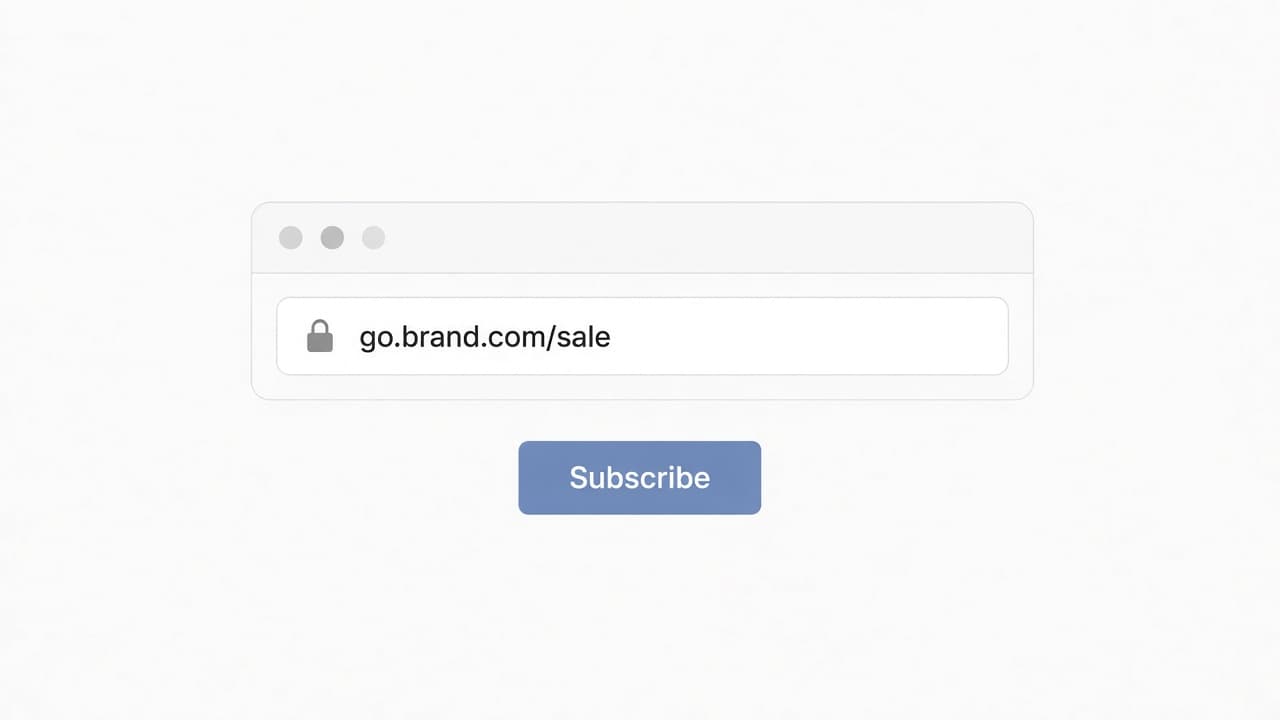
A link cloaking tool — also called URL masking — puts a branded short link in front of a longer destination. You share go.yourbrand.com/sale. The visitor should not have to read the affiliate ID.
Two mechanisms get sold under that name, and they are not the same:
- A branded redirect. The link you share is clean. After the click, the browser navigates. The address bar becomes the destination. A 301, 302, or 307 all do this. Most "free link cloaking" pages are this.
- An iframe mask. The short link stays in the address bar because the destination loads inside a page you serve. That is the only way the bar does not change. It also breaks on any site that sends
X-Frame-Optionsor a tightframe-ancestorspolicy.
If a vendor says "cloak" and ships a 302, they hid the ugly URL from the tweet. They did not hide it from the address bar. Both can be useful. Mixing them up is how you buy the wrong plan.
Cloaking vs a CTA overlay
Visib is the CTA on top of someone else's content. The address bar stays on your short link because the destination is framed so that overlay can sit on it. Masking the bar is the technical consequence of painting the CTA, not the thing for sale.
Cloaking gives you a clean URL. The CTA is what gives you the second click. A reader who trusts go.yourbrand.com/sale still leaves unless something on that page asks them back.
That split is why this article exists next to the guide instead of replacing it. The guide documents the frame: white-hat vs the black-hat practice Google actually penalises, why a redirect is not a mask, which destinations refuse framing, and when not to cloak. Here the job is commercial: which tool, which plan, what "free" includes.
How to cloak a link
1. Branded redirect
Create a short link on a domain you control, point it at the destination, share the short URL. After the click, the visitor sees the real page address. This is the durable default. It survives sites that block frames. It is what Flyn documents as the free-plan behaviour (a 302 on flyn.co) and what most WordPress "pretty link" plugins do on your own domain.
2. Iframe mask
Serve a page at your short URL that embeds the destination full-screen. The bar keeps your URL. Google, YouTube, PayPal, banks, and most logged-in apps refuse that embed. A tool that does not warn you, and does not fall through to a redirect, leaves a blank page. Visib checks the destination when you create the link and, if the frame still fails in the browser, waits eight seconds then offers a continue button and sends the visitor on. Details: the cloaking guide.
3. Snapshot, when the frame is refused
If the overlay has to stay on a site that blocks framing, Visib Business captures a snapshot of the page with the Chrome extension and serves that capture from your domain. That is not cloaking. It is how the CTA still shows when the live frame cannot. Walkthrough: snapshot links.
Optional branded domain: point an A record at 76.76.21.21 for the apex, or a CNAME to cname.visib.link for a subdomain. Setup: custom domains. Starter includes one domain.
Link cloaking tools compared
Prices and plan names below are from each vendor's public pricing or product page as of 16 October 2026. If a claim was not on that page, it is not in this table.
| Tool | Job | Address-bar mask | CTA on the destination | Free, as published |
|---|---|---|---|---|
| Short.io | Link shortener | Yes. Their cloaking page says the visitor keeps seeing the short URL. Pricing puts "Link cloaking" on Pro ($18/mo), not Free or Hobby. | No overlay on the destination. See Visib vs Short.io. | Free plan: 1 user, 5 custom domains, 1,000 branded links, 50,000 tracked clicks/mo. Cloaking is not on that plan. |
| Flyn | Link shortener | Two modes on their cloaker page: a 302 redirect (default), and a full-page frame they label Pro. Pricing lists "Link cloaking & noIndex" on Pro at $12/mo. | No CTA overlay on someone else's page. | Free: $0, 25 links/month, flyn.co (custom domains are Pro), 302 redirect, no ads before the redirect. No card required. |
| PrettyLinks | WordPress plugin | Homepage: cloaks affiliate URLs into branded links on the site you already run. You need WordPress. | Product displays and CTAs inside WordPress. That is not an overlay on a page you do not own. | Public homepage does not state a price. Not listed as free here. |
| Snipr | Shortener with iframe cloak | Their own cloaking article says the mask unlocks on Growth at $15/mo, with an 8-second redirect fallback if the frame never loads. | Not stated on that article. Left out. | Cloaking is not described as a free-plan feature. |
| Visib | CTA overlay shortener | The bar stays because the page is framed so the overlay can paint. Same X-Frame-Options limit as every other iframe tool. Create-time check, then an 8-second fallback in the browser. | Yes. That is the product. No script on the destination. | No free plan. Starter is 9 €/mo (10 links, 1 overlay, 1 domain). Business is 19 €/mo (unlimited links and overlays, 5 domains, snapshots, no Visib badge). |
Linkly ranks for this query. Their cloaking support page did not load from here, so there is no cloaking-feature row. What we do ship is a CTA-overlay comparison: Visib vs Linkly. Sniply is a different product from Snipr; Sniply is the overlay tool at Visib vs Sniply.
Free link cloaking: what "free" actually includes
The SERP for "free link cloaking" mixes two offers. One is a free shortener that hides the ugly URL in the link you paste. The other is a free address-bar mask. The first exists. The second, on the pages we could verify, does not.
- Flyn Free. 25 links a month, analytics, expiration, QR, on flyn.co. Their pricing FAQ: a web link on Free is a 302. Custom domains and the cloaking switch are Pro.
- Short.io Free. Branded links and custom domains are on Free. Link cloaking is a Pro line item at $18/mo.
- PrettyLinks. Runs on a WordPress site you already pay to host. Cloaking here means branded URLs on that domain, not a hosted free SaaS mask.
- Visib. Starter is 9 €/mo. There is no free plan on pricing.
If you only need the ugly affiliate string out of the tweet, Flyn Free or Short.io Free can do that job as a redirect. If you need the bar to keep your URL, budget for Short.io Pro, Flyn Pro, or Snipr Growth, and accept that plenty of destinations will still refuse the frame.
When cloaking is allowed, and when it is not
Masking a URL so humans and Googlebot reach the same page is not the cloaking Google's spam policies punish. That other cloaking is serving search engines different content than people. Same word, different practice. The guide covers the distinction; this section is the program and ads list.
- Amazon Associates. Do not hide that the link goes to Amazon. Use Amazon's own short links. Account termination is the enforcement they publish.
- Paid ads. Ad platforms flag masked destinations as sneaky redirects. Send paid traffic to a plain branded redirect, not a frame.
- Anything that needs a login. Sign-in inside a third-party frame is blocked by browsers. The mask fails; the user does not get in.
- FTC disclosure. Hiding an affiliate ID in the URL does not replace the sentence that says you earn a commission.
For programs that allow a branded redirect, check whether they also allow a full iframe mask. Flyn's cloaker page says some networks that allow a redirect draw the line at a mask, and that Amazon pays no commission on a silent redirecting click. Read the current terms for each network. Do not take this paragraph as legal advice.
How to cloak affiliate links without guessing
- Open the program's current linking rules. If they ban shorteners or disguising the destination, stop. Amazon is the example everyone already knows.
- If a redirect is allowed, create a branded short link and keep the destination editable in one dashboard. That is the branded short link job.
- If you also want the address bar to stay on your URL, use an iframe mask and test the destination. Sites that send
X-Frame-Options: DENYorSAMEORIGINwill not cloak. No vendor overrides the browser. - If the point of the click is a second action — newsletter, site, product — put a CTA on the page. That is adding a CTA to any link, not a prettier affiliate string.
What Visib does on that click
You wrap the URL. The visitor opens your link. They still read the original page. Your overlay sits on top — card, banner, email-capture, or video. Nothing is installed on the destination. Starter is 9 €/mo. Business is 19 €/mo and can hide the Visib badge, attach snapshots, and use more domains. Pricing.
Analytics record geo, device, and referrer. UTMs can be added to the destination. Bots are stored and dropped from the totals. Custom slugs are Business. None of that is a ranking tactic for the page you framed, and none of it needs you to pretend the overlay is a cloaking feature.
Overlay tools in one list: link shorteners with a CTA. Side-by-side hub: compare CTA overlay tools.
Related reading
Frequently asked
What is a link cloaking tool?
A link cloaking tool hides a long destination, usually an affiliate URL with an ID in it, behind a shorter branded link. Some tools only redirect, so the address bar becomes the destination after the click. Others load the destination in a frame so the branded URL stays visible.
Is there a free link cloaking tool?
Short.io and Flyn both publish a free plan. On both sites, the switch that keeps your short URL in the address bar sits on a paid plan: Short.io Pro at $18/mo, Flyn Pro at $12/mo. Flyn Free is a 302 redirect on flyn.co, 25 links a month, no custom domain. Short.io Free includes branded links and custom domains, but not cloaking. Visib has no free plan; Starter is 9 €/mo.
Does Visib cloak links?
Visib frames the destination so a CTA can sit on top of the page. The branded URL staying in the address bar is that frame, not the product. Cloaking gives you a clean URL. The CTA is what gives you the second click.
How do you cloak an affiliate link?
Paste the affiliate URL into a shortener, optionally on a domain you own, and pick a redirect or a frame. Then read the program's terms. Amazon Associates does not allow hiding that the click goes to Amazon; use Amazon's own short links. The how-to for Visib's frame is in the link cloaking guide.
When is link cloaking not allowed?
When the program forbids disguising the destination (Amazon Associates is the clear case), when you are buying ads (platforms treat masked links as sneaky redirects), when the page needs a login inside a third-party frame, or when you show search engines different content than humans. Masking a URL is not a substitute for an FTC affiliate disclosure.
